
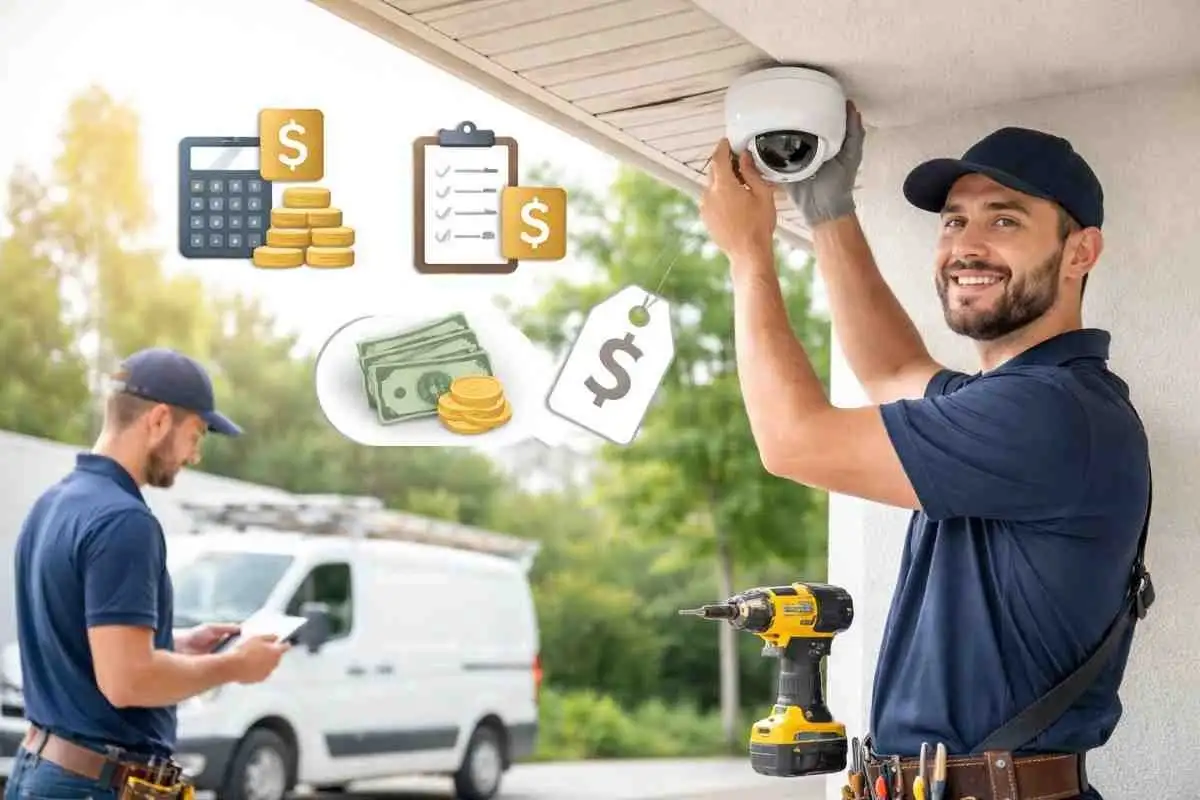
Home security is no longer a luxury in Sydney it’s a necessity. In 2022–23 alone, around 1.8% of Australian households experienced a break-in, affecting nearly 185,000 homes nationwide. As safety concerns grow across residential and urban neighborhoods, more property owners are choosing to install security cameras to help safeguard their homes and loved ones.
In fact, over 20% of Australians installed security cameras last year, proving just how popular and effective this solution has become. But one important question remains: how much does professional security camera installation really cost?
The answer isn’t simple. Prices vary based on camera quality, number of cameras, installation method, and whether you choose a DIY setup or professional service. Each option comes with its benefits, limitations, and long-term impact on safety and reliability.
In this guide, I’ll walk you through the real costs, hidden factors, and smart choices behind security camera installation so you can make an informed decision, protect your home, and invest with confidence.
Breaking Down Security Camera Installation Costs
Security camera installation does not have a uniform cost. Cost depends on several factors—camera types, number of units, and how complex the job is. As one Sydney installer notes, installs can run from “a few hundred to several thousand dollars.”
That giant range tells you this: a small DIY camera setup might only cost a few hundred bucks, while a full pro install can end up costing more than a decent second-hand car.
Think of it like building a custom entertainment system you can go cheap with budget speakers (or cameras) or splurge on a high-end surround sound (4K ultra-HD night vision cams).
Basic security cameras (standard resolution) hover around $100–$300 each, but specialized high-definition outdoor cameras can cost $300–$1,000+ apiece. And please keep in mind the recorder (NVR/DVR) a simple 4-channel device might be around $300–$800, but larger-capacity recorders (with advanced features) can exceed $1,500.
Here’s a rough cost breakdown for a typical system:
Component | Estimated Installation Price Range(AUD) | Notes |
Basic security camera (each) | $100–$300 These are typical Sydney industry figures only. Costs can vary depending on your property and requirements, and your exact price is confirmed in writing after a free inspection. | Standard indoor camera (720p–1080p) |
HD outdoor camera (each) | $300 – $1,000+ These are typical Sydney industry figures only. Costs can vary depending on your property and requirements, and your exact price is confirmed in writing after a free inspection. | Weatherproof, 4MP or higher resolution |
NVR/DVR recorder | $200–$1,500 These are typical Sydney industry figures only. Costs can vary depending on your property and requirements, and your exact price is confirmed in writing after a free inspection. | Stores footage; price depends on channels/storage |
| Labor (per hour) | $50–$150 | Technician hourly rate, varies by complexity |
These are ballpark figures. For instance, Jim’s Security advertises a 4-camera 6MP kit (with NVR and 1TB HDD) for about $1,595. So if you want a home upgrade with decent cameras, expect starting points like that.
On top of that, labor costs for installing each camera might average $150. In practice, a four-camera system could easily incur more than $600+ in installation fees alone, before even looking at equipment.
Factors Affecting Security Camera Installation Cost
Several elements drive the final price. Key cost factors include:
- Number of Cameras: More cameras means more hardware and more installation time. Each cam adds to the bill. As Jim’s Security notes, pro installs often start at about $150 per camera (plus the gear). A 6-camera system costs roughly double a 3-camera one, not counting any bulk discounts.
- Camera Quality & Features: Want full-color night vision, 4K resolution, or motion analytics? Those features cost extra. A camera with advanced low-light sensors or built-in analytics can easily double the price of a basic model
- Wired vs Wireless: Wireless (Wi-Fi) cameras skip the cable runs, so they generally cost less to install There’s no hard wiring needed. Wired systems, however, require Cat cable or conduit to each camera. Running those cables and drilling through walls adds labor, so wired installs end up more expensive.
- Location & Access: Properties that are remote, outside metro areas, or difficult to access may incur additional charges due to increased travel time and transport expenses for the installation team. Even in Sydney, a long drive through traffic or accessing a rooftop with steep stairs can add hours of labor (and cost). One installer quips: “if you are out in the middle of nowhere, travel time becomes part of the bill.”
- Installation Complexity: Tough jobs take longer. Masonry walls, multi-story homes, and sprawling properties mean more steps. For example, drilling through thick bricks or running a cable across a long distance adds labor hours. (More tricky = more $$$.)
- Home layout and roof structure can affect installation pricing. Single-story homes with flat or metal roofing are usually quicker and less expensive to work on, while double-storey properties or tiled roofs tend to increase labor time and overall cost due to more complex mounting and access requirements.High ceilings or vaulted areas mean lifts and ladders, which increase time. In cramped apartments, accessing hallway cameras might require special gear.
- Additional Services: Bundling extras can change the price. Maybe you want video analytics, cloud recording, or a monitoring subscription. These services can be helpful but typically add to the quote.
Equipment Costs for Security Camera installations
Let’s zoom in on the gear—what you’re buying, beyond just cameras:
- Security Cameras: As mentioned, prices range widely. Indoor dome cameras range in price from $100 to $300, while outdoor bullet cameras often cost more due to their weatherproof casings. PTZ (pan-tilt-zoom) cameras that swivel can add hundreds to the ticket. Brand matters, too—big names like Hikvision or Bosch tend to be pricier than generic off-brand cameras.
- Recorders (NVR/DVR): This kind of camera is the box that stores footage. A basic 4-channel DVR might only run ~$300–$500, but step up to 8 or 16 channels and the price can double or triple. If you want the ability to record 4K video, add more hard-drive capacity, or use smart features (like license-plate capture), expect a high-end NVR to be $1,000+
- Cables & Accessories: For wired systems, plan on Cat5e/Cat6 cables for IP cams (or coax for analog cams), plus connectors and junction boxes. A bundle of cable and some mounts can easily add a couple of hundred dollars. Even for wireless cams, you might need a power supply or PoE injector (~$100–$200 for a small PoE switch).
- Power Equipment: If your cameras use Power-over-Ethernet (PoE), you need a PoE switch. A decent 8-port PoE switch can be $200–$500. If not PoE, each camera needs a DC adapter (a few bucks each). Large multi-cam systems might even require an upgrade to your home’s electrical panel (see below).
- Network Gear: Sometimes installers recommend upgrading your home network (e.g., a better router or wired switch) to handle surveillance traffic. That could tack on $100–$300 if needed, though it’s not always required.

security camera installation
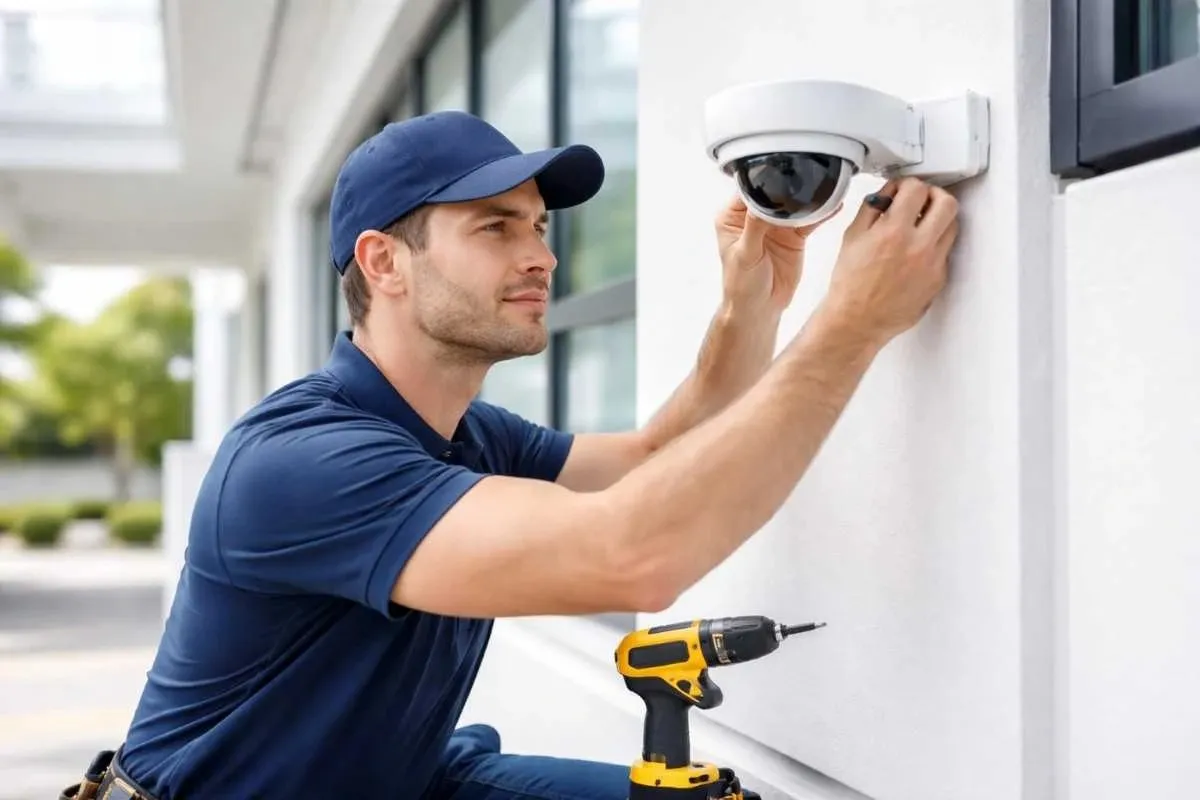
In total, gear costs add up. The 4-camera 6MP kit (cameras + NVR) example was $1,600—mid-range. A DIY starter kit (2 cameras and a basic recorder) could be under $500, but a pro-grade 8-camera package with analytics could be $3,000–$4,000 in hardware.
Labor & Installation Fees for Security Camera Installation
Professional installation covers all the technical work. A licensed technician will:
- Survey Your Property: Decide optimal camera locations, check Wi-Fi coverage, and plan cable routes.
- Run Cables & Mount Cameras: Drill holes, run conduit or fish wire through walls, and securely mount each camera.
- Configure the System: Set up the NVR/DVR or network settings so you can view cameras on your phone or computer.
- Test Everything: Ensure each camera’s field of view is correct and troubleshoot any issues. They’ll make sure there are no blind spots and that night vision or motion detection works.
- Clean Up & Demo: Good installers tidy up cables, seal any holes neatly, and then show you how to use the system.
This expertise costs real money. In Sydney, installers charge about $50–$150 per hour. A simple two-camera job might take 2–3 hours; a complex 8-camera, multi-level job could take 10+ hours. (before equipment). So a 4-camera home could start around $600 in installation alone. Don’t forget that rate often includes little extras like a quick site check.
DIY vs. Professional Installation
It’s tempting to skip labor costs by doing it yourself. Basic Wi-Fi camera kits are cheaper upfront, and a tech-savvy homeowner can handle simple installs. DIY Pros: No install fees and full control over gear. DIY Cons: You can easily miss blind spots or install cams incorrectly.
Many DIY cams use batteries or weak Wi-Fi, and as one installer warns, cheap wireless systems “usually end up costing more in the long run.”
This is often because of missed recordings or the need for battery replacements. Plus, a DIY job can take you hours (or days) to get right, and it often looks more “unfinished” (loose cables, wonky mounts).
Professional security camera installation generally entails a higher cost but guarantees flawless execution.
A certified installer covers all angles, wires neatly, and guarantees the system works. For most busy homeowners, that peace of mind is worth the extra money.
Additional Services and Bundles
Security companies often sell packages that include more than just cameras. For example, many combine cctv & alarms installation services (so cameras and alarms integrate automatically). Some even advertise 24 hrs electrician services for emergency support if something fails or add-on switchboard upgrade services if your electrical panel is outdated. These extras can be handy, but each adds to the final quote. If your budget is tight, focus on the cameras and install them first; think of alarms or a new switchboard as optional add-ons for later.
Security Camera Installation Cost per Camera
Most Sydney homeowners pay around $300 to $700 per camera, fully installed, for a quality wired system. The per-camera price falls as you add more cameras, because the NVR, hard drive and set-up are shared. Typical packages: These are typical Sydney industry figures only. Costs can vary depending on your property and requirements, and your exact price is confirmed in writing after a free inspection.
- 2–3 camera starter system: about $900 to $1,600 installed
- 4 camera home system: about $1,200 to $2,800 installed
- 8 camera home or small business system: about $2,500 to $5,000 installed
- Commercial and acreage systems: quoted on site, based on cable runs and coverage
How Much Does CCTV Installation Cost for a Business?
Business CCTV systems usually cost more because of extra cameras, higher-resolution or AI analytics cameras, longer cable runs, signage and data storage. Most small businesses in Sydney spend between $2,500 and $8,000 for a professionally installed system. See our CCTV installation service for a free on-site quote, or find your local page for CCTV in Castle Hill, Kellyville or Dural. These are typical Sydney industry figures only. Costs can vary depending on your property and requirements, and your exact price is confirmed in writing after a free inspection.
Conclusion
Budgeting for a security camera installation is about understanding what you’re buying. You’ll pay for quality gear (cameras, NVR, cables) and for skilled labor to install and configure everything.
In Sydney, that typically means equipment can cost from hundreds to a few thousand dollars. In addition, homeowners and businesses should be aware of privacy and legal responsibilities when using surveillance, as outlined by the Security cameras—Office of the Australian Information Commissioner, which explains how Australian privacy law applies to the collection and use of video footage.
Additionally, professional installation costs approximately $150 per hour, plus travel expenses and any additional charges.
For example, a typical mid-range 4-camera home setup often comes in around $2,000–$3,000 all up, whereas a basic DIY kit might stay under $500. Always compare quotes to make sure you’re getting a fair deal.
Protecting your home is an investment in peace of mind. NSW Police even advise installing cameras as a deterrent: “Install home security devices such as… cameras” to safeguard your property. Ready to secure your place? Reach out to a local licensed installer for a free quote—your safety is worth it.
Frequently Asked Questions (FAQs)
How much does an average security camera installation cost?
It varies, but you might pay about $150–$350 per camera (all-in) in Sydney. A basic 2–3 camera job could start around $500, while larger multi-camera systems often run into the low thousands.
What factors most influence the installation cost?
Key factors include number of cameras, camera quality (resolution/night vision), wired vs wireless setup, and labor complexity. For example, drilling through concrete walls or running long cables will increase labor hours and costs.
Can I install security cameras myself to save money?
Yes – many modern camera kits are DIY-friendly. DIY cuts labor fees but requires confidence with ladders, tools, and tech. Be aware that a poorly installed system might miss blind spots or void warranties
Are there ongoing costs after installation?
Yes. After install, you may pay for storage (cloud subscriptions or local drives), electricity, and any monitoring subscriptions (if used). These can add monthly fees. Also factor in optional maintenance or extended warranty plans.
Do I need a licensed electrician to install security cameras?
If you’re installing wired cameras that require new power or network runs, yes – you’ll need a licensed electrician. NSW law requires camera installers to hold a Class 2C security licence. Plug-and-play cameras (using existing outlets or Wi-Fi) typically don’t need one.
How do I find a reliable installer in Sydney?
Look for licensed, insured installers with good reviews. Ask neighbors or check local directories (like Jim’s Security). Compare a few quotes and ensure the installer offers a warranty and support for their work.
